







CS2 Premier Mode: how Premier works, how to get CS Rating, choose a map, and start competitive play
Premier is the main competitive mode in Counter-Strike 2 for players who want to play for results and continuously improve their rating. This complete guide covers all the important Premier mechanics: how to unlock Premier, complete your first calibration, understand CS Rating, use the map pick and ban system, play MR12 matches and overtime, check leaderboards, earn seasonal medals, and understand the differences between Premier, Competitive, and FACEIT.
CS2 Premier Mode: How Premier Works, How to Get CS Rating, Choose a Map, and Start Competitive Play
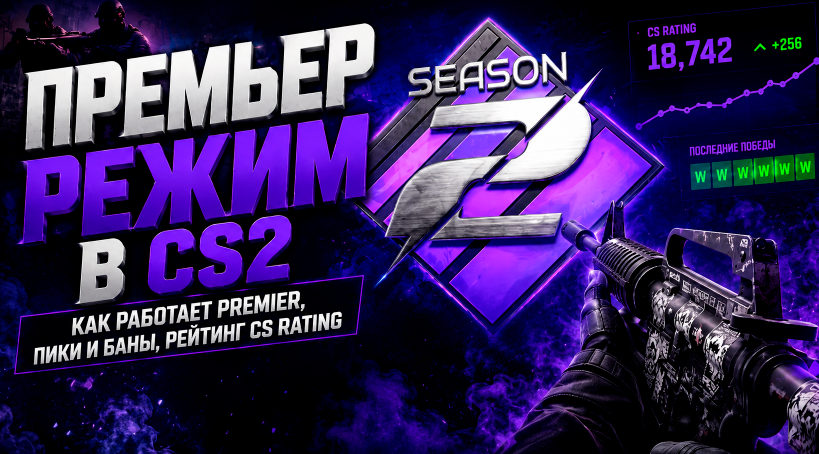
Premier is the main competitive format in Counter-Strike 2 from Valve and the primary alternative to third-party platforms such as FACEIT. It uses a unified numerical ranking system called CS Rating, which allows players to compare their performance and track their progress.
Unlike regular Competitive, where each map has its own rank, Premier features a single rating system, a mandatory map pick and ban phase, the MR12 format, and leaderboards. This makes the mode feel much closer to competitive Counter-Strike at a higher level and is ideal for players who want more than just casual matches — they want to improve their rating and compete against stronger opponents.
In this guide, we'll explain what Premier is in CS2, how to unlock it, what CS Rating means, how map selection works, how long matches last, how overtime works, and how to get your first rating.
What Is Premier Mode in CS2?
Premier is Counter-Strike 2's ranked competitive mode, designed specifically for players who want a more serious competitive experience.
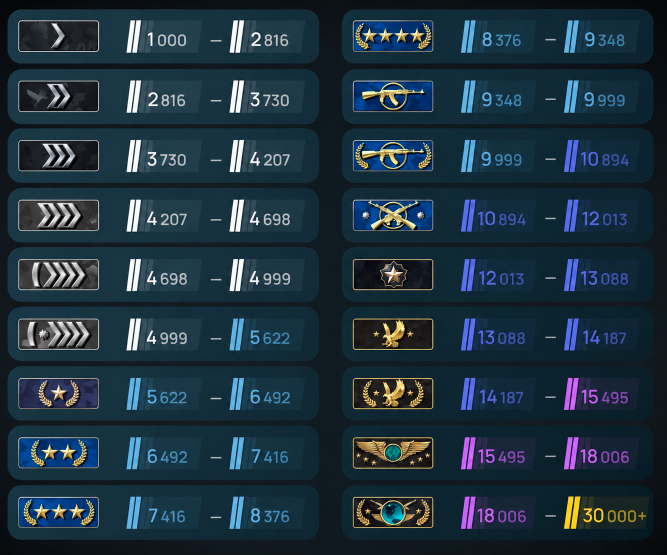
Its main feature is the CS Rating numerical ranking system. Instead of traditional ranks such as Silver, Gold Nova, Master Guardian, or Global Elite, players receive a specific numerical rating that represents their position in the ranking system.
Your rating is not only a measure of your progress but also plays a role in matchmaking. The higher your CS Rating, the stronger the opponents the system will generally try to find for you.
Premier also takes a more serious approach to map selection. Before each match, both teams go through a full map pick and ban phase, meaning you cannot know exactly which map you will play in advance.

How Is Premier Different from Competitive?
Both modes are built around competitive matches, but there are several major differences.
In Competitive, you select a specific map and receive a separate rank for that particular map. This means you can focus almost entirely on one location, such as Mirage or Dust II, without needing to play the others.
Premier uses a single rating across the entire map pool. You have to be prepared to play different maps because the final choice is determined through the pick and ban process.
Premier is generally preferred by players who want a more serious competitive experience and want to compare their performance with other players.
How to Unlock Premier in CS2
Premier is not available immediately after installing Counter-Strike 2. You need to meet two requirements.
Prime Status
The first requirement is Prime Status.
Prime can be purchased through Steam. In addition to access to Premier, Prime provides a separate matchmaking pool and unlocks weekly rewards, which can include skins, graffiti, and cases.
Prime is also useful for regular competitive play, as it generally provides a better matchmaking environment.
Level 10 Profile
The second requirement is reaching Profile Level 10 in CS2.
You can earn XP and increase your profile level by playing other game modes, such as:
Deathmatch
Casual
Wingman
Competitive
Once you meet both requirements, the Premier tab will become available in the game, allowing you to start playing ranked matches.
What Is CS Rating?
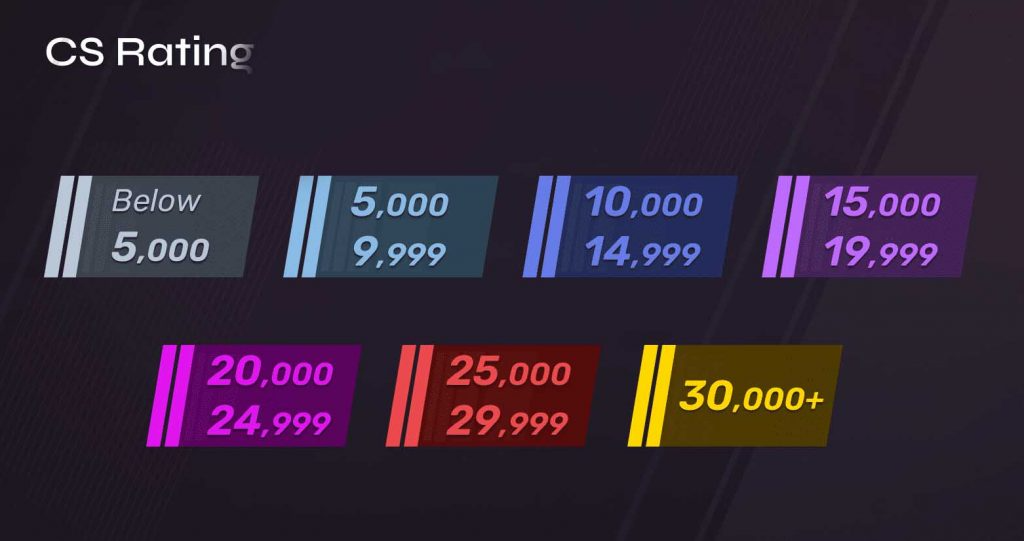
The main feature of Premier is the numerical CS Rating system.
Instead of traditional ranks, players receive a specific number. The rating starts at lower values and can climb into the tens of thousands.
For example, a player with a 15,000 CS Rating and a player with 20,000 CS Rating are already separated by a significant difference in the ranking system.
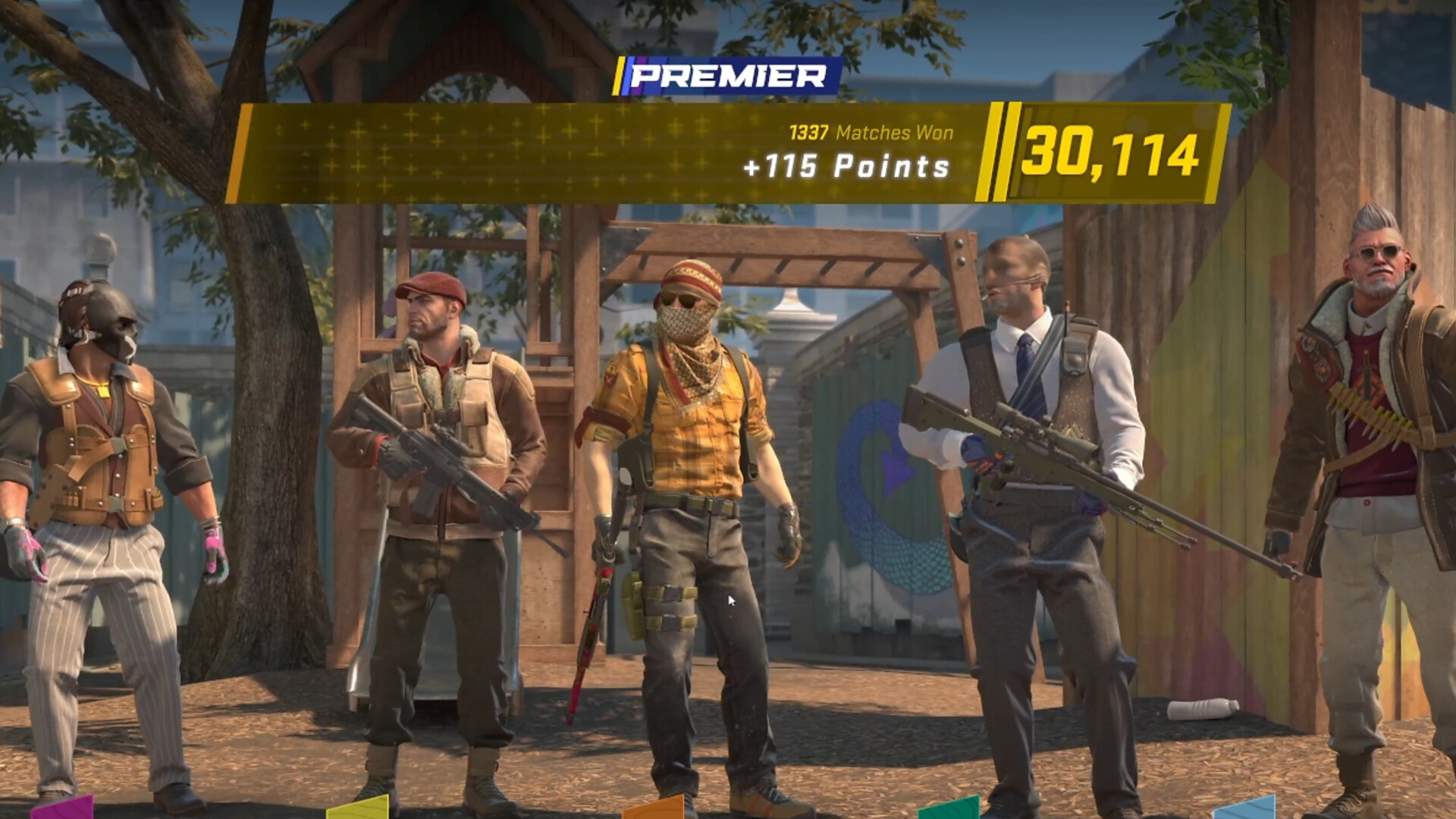
After each match, players can see how many rating points they will gain for a win and how many they can lose after a defeat. This makes the system much more transparent than a traditional hidden MMR.
Recent results are also displayed on a dedicated graph, allowing players to track how their rating changes over time.
CS2 Leaderboards
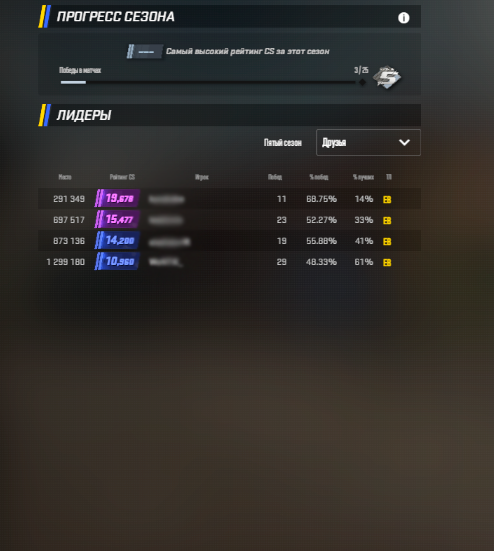
Premier allows you to compare your performance not only with your friends but also with players from around the world.
The game features global and regional leaderboards containing the highest-rated players. Regional leaderboards show your position among players from your region, while the global leaderboard shows the best players worldwide.
This makes CS Rating more than just a number on your profile — it becomes a way to see where you stand compared to the rest of the Counter-Strike 2 player base.
How Does the Map Pick and Ban System Work?
One of the biggest differences between Premier and Competitive is the mandatory map selection phase.
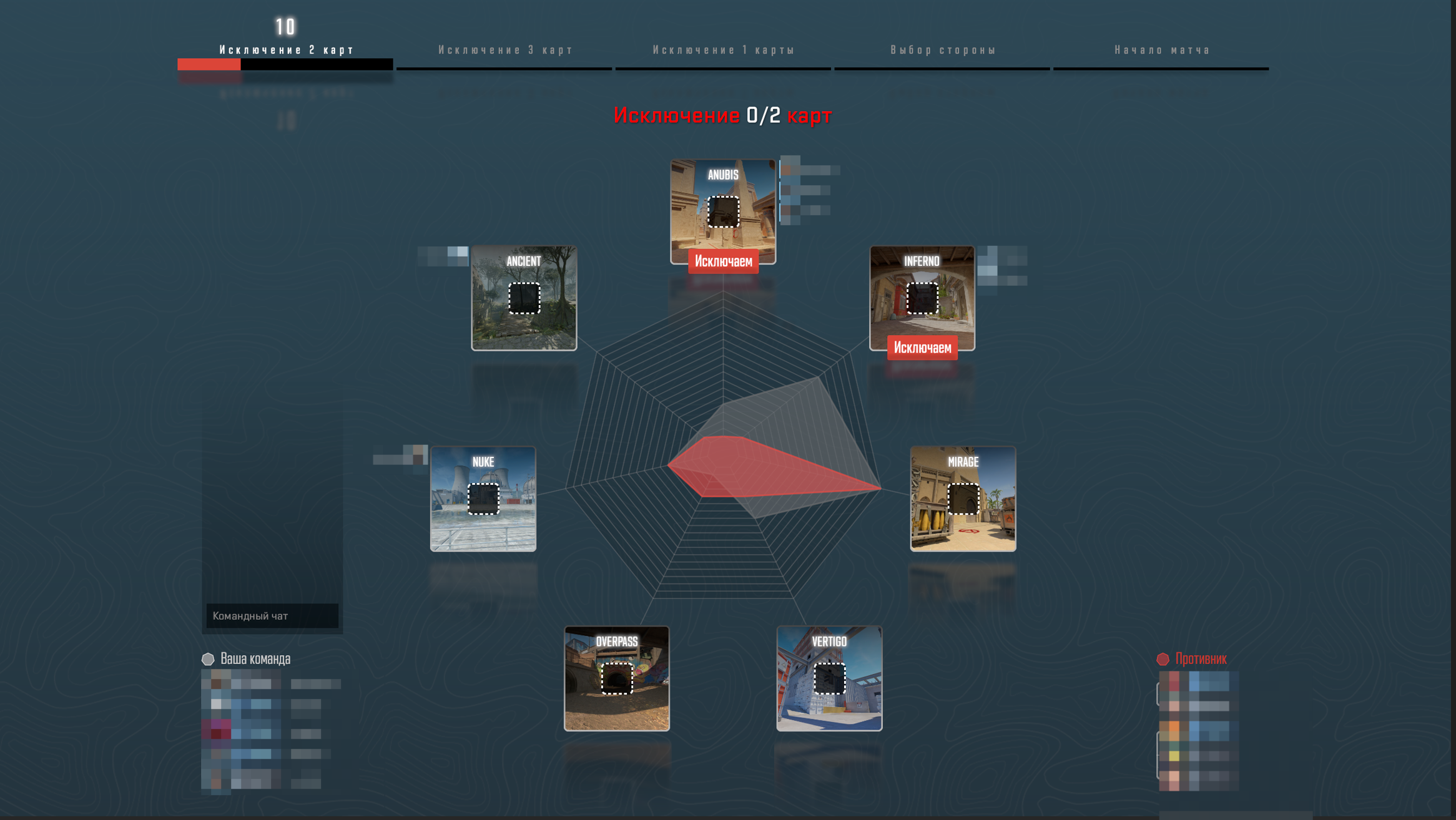
Before the match begins, both teams take turns removing maps from the available pool until only one map remains. That map becomes the battlefield for the match.
The pick and ban phase works as follows:
The first team bans two maps.
The second team bans three maps.
The first team bans one more map.
The second team chooses its starting side.
The match begins.
As a result, only one map remains from the original pool.
How Does a Premier Match Work?
At its core, Premier is similar to the classic competitive Counter-Strike format.
Once the map has been selected, the match begins with the standard economy, weapon purchases, rounds played on both sides, and all the familiar CS2 mechanics.
The main difference is the MR12 format. Teams play up to 12 rounds on each side, for a maximum of 24 rounds in regulation time.
To win in regulation, a team must be the first to reach 13 round wins.
What Happens at 12:12?
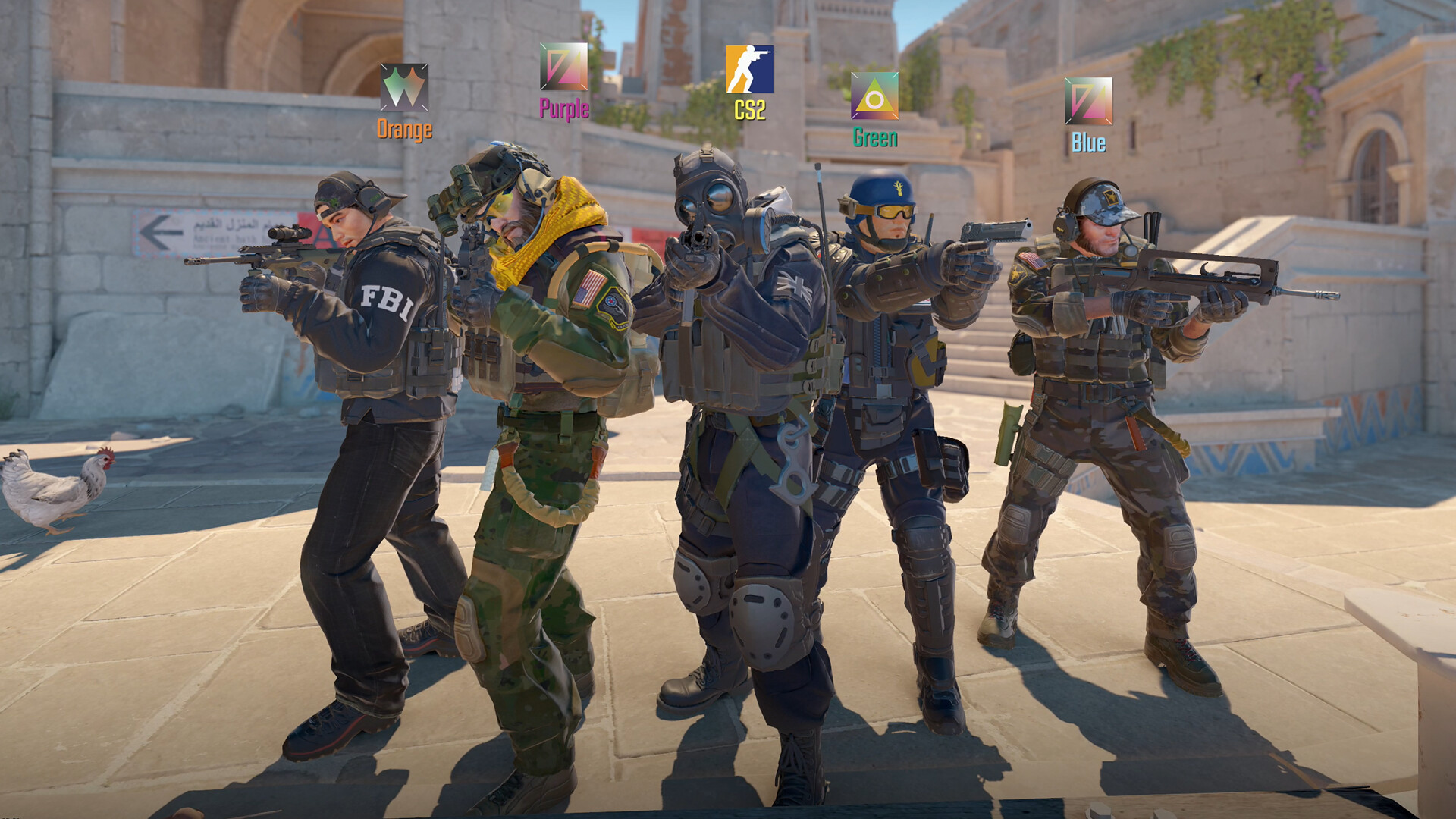
If the teams finish the 24 regulation rounds tied at 12:12, the match goes into overtime.
During overtime, the teams continue playing additional rounds until one side reaches the required number of wins or establishes a sufficient lead. At the start of overtime and after the side switch, players receive $10,000, allowing both teams to make full buys instead of starting the additional rounds with a new pistol round.
Under the described Premier rules, overtime ends when one team reaches 16 round wins or establishes a four-round lead. If the score reaches 15:15, the match ends in a draw and the players' ratings do not change.

How to Get Your First CS Rating in Premier
After unlocking Premier, you do not immediately receive your final CS Rating.
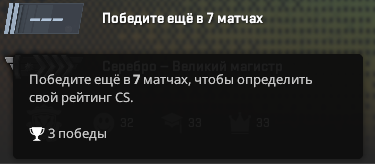
For your first calibration, you need to win 10 matches in the mode. After your tenth win, the system calculates your starting rating based on your results and performance throughout the calibration matches.
After that, every subsequent match directly affects your CS Rating.
Before a match begins, you can also see the potential rating change, allowing you to understand the possible reward for a win or the cost of a loss.
How to Increase Your CS Rating
The main way to increase your rating is to consistently win matches and maintain good results.
However, simply getting a lot of kills is not enough. Counter-Strike is a team game, so the outcome of a match depends on the performance of the entire team.
For consistent progress, it is important to:
Have good aim and shooting mechanics
Understand the economy
Use grenades effectively
Know the timing of different plays
Communicate and play as a team
Adapt to your opponents
Avoid giving up after losing several rounds
The more consistent your results are, the more likely you are to steadily climb the rating ladder.
Why Is Premier Considered the Main Competitive Mode in CS2?
Premier was designed by Valve as its most serious built-in ranked mode.
In regular Competitive, you can focus almost entirely on one map and gradually improve your rank there. Premier does not allow this approach — you need to be prepared for different maps and learn how to adapt to them.
The global and regional leaderboards also provide additional motivation. Players can not only increase their CS Rating but also compare it with the ratings of other players.
For this reason, Premier is often considered the main official competitive environment for players who want to play Counter-Strike 2 seriously.
Premier or FACEIT — Which One Should You Choose?
Today, Premier is the main alternative to FACEIT within CS2 itself, as Valve provides its own ranking system directly through the game. FACEIT, however, continues to operate as a separate competitive platform with its own ecosystem.
Premier is a good choice if you want to:
Play directly through the official CS2 client
Use the CS Rating system
Compete on global and regional leaderboards
Play with a map pick and ban system
Compete in Valve's official ranked mode
FACEIT, on the other hand, is a separate competitive platform with its own rating system and dedicated anti-cheat.
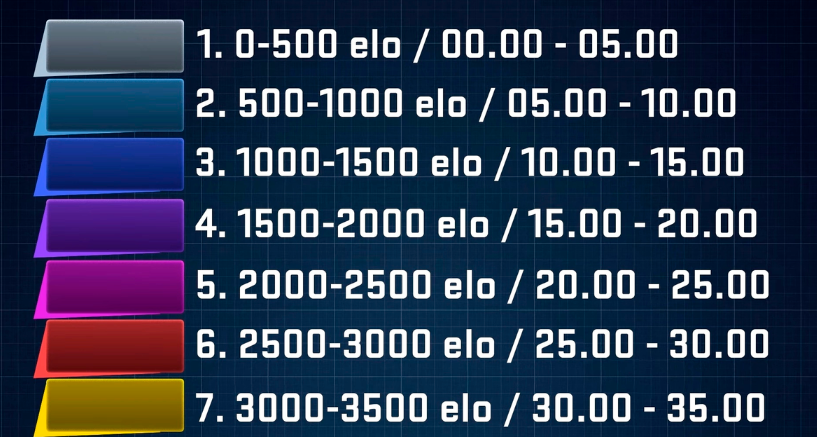
Premier Seasons and Medals
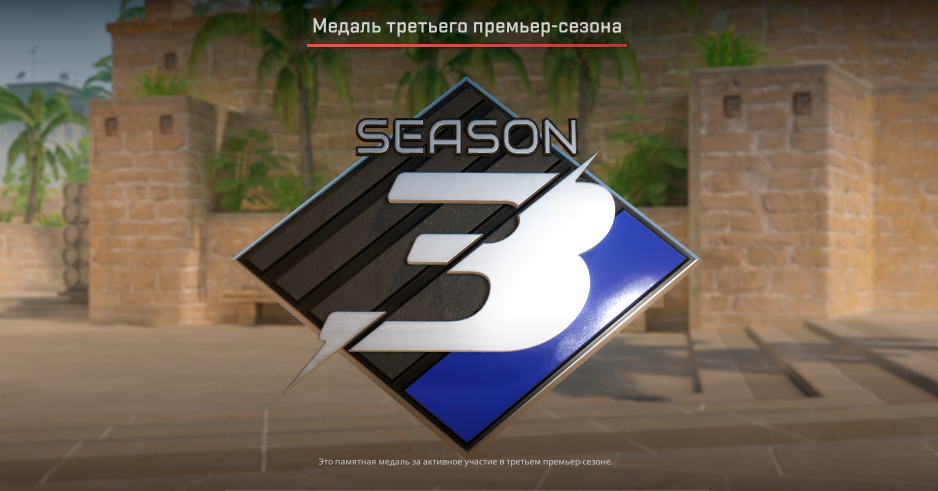
Premier, like FACEIT, uses a seasonal system.
At the beginning of a new season, your previous rating history is reset, and you need to go through calibration again to receive a new CS Rating.
At the end of a season, players can earn a seasonal medal if they meet the necessary requirements, including the required number of wins and having an active rating. The medal remains on your Steam profile and reflects the highest rating you achieved during that particular season.
The seasonal system therefore gives players an additional long-term goal: not only to climb the rating ladder but also to preserve their achievements on their profile.
Who Is Premier For?
Premier is primarily designed for players who want to compete seriously and constantly improve their performance.
It is especially suitable for players who:
Are familiar with the main CS2 maps
Know how to play as part of a team
Want a numerical rating
Want to compare themselves with other players
Plan to move beyond casual matchmaking and take competitive play more seriously
For beginners, it can be useful to spend some time practicing in Competitive, Deathmatch, or other modes before moving into ranked Premier matches.
Conclusion
Premier in CS2 is Valve's main competitive mode, combining CS Rating, a map pick and ban system, the MR12 format, overtime, and global leaderboards.
To access it, you need Prime Status and Profile Level 10. After unlocking Premier, you can begin your calibration and earn the first 10 wins required to receive your initial rating.
The biggest advantage of Premier is that players receive one unified rating instead of a separate rank for each map. This makes it an excellent choice for players who want to compete seriously, track their progress, and gradually climb the Counter-Strike 2 ranking ladder
Leave a comment
Top Sites

CSFAIL
Opening a free case

Upgrader
CS2 Skin Upgrade

Donatov
Promo code for top-up

GGDROP
Promocode for bonus wheel

GalaxyLink
Discount promo code

Lis-skins
To sell skins profitably

AvanMarket
Profitable to sell skins

MyCSGO
Deposit Promo Code

Moonmarket
Selling skins profitably
User comments: