







Are you sure you truly deserve your rank and rating in CS2? How calibration, Premier mode, and hidden algorithms decide whether you’ll climb higher or stay where you are.
Why do some players rank up almost effortlessly while others stay stuck in the same rank for years? Let’s break down how CS2 actually evaluates you in matches.
CS2 Ranks: What They Are, How They Work, and How to Get Them
The ranking system in any competitive game is a key indicator of a player’s success, progress, and understanding of game mechanics. Most often, a player’s rank is used to judge how experienced they are, how much time they’ve spent in the game, and what level of opponents they can compete against.
In Counter-Strike, this system plays an especially important role, as it directly affects matchmaking, team composition, and the overall feeling of fair and balanced gameplay.
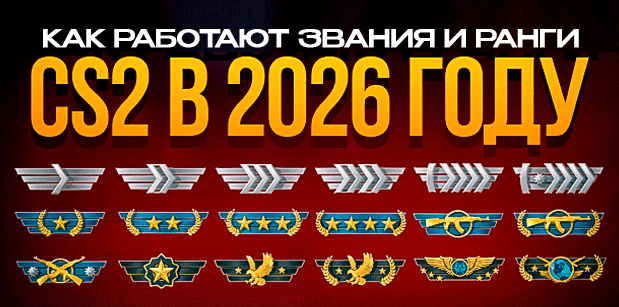
The ranking system has become noticeably more diverse and complex compared to the CS:GO era. Players now have three different types of ranks, each responsible for a separate mode and progression format:
ranks in Competitive mode (Matchmaking);
rating and ranks in Premier mode;
ranks earned through experience.
Each of these systems works according to its own rules and reflects player skill in different ways. Let’s take a detailed look at all types of ranks in CS2.
Competitive Mode Ranks
The classic Competitive mode in CS2 largely retains the familiar ranking system from CS:GO, but with one major difference — ranks are now tied to individual maps from the map pool.
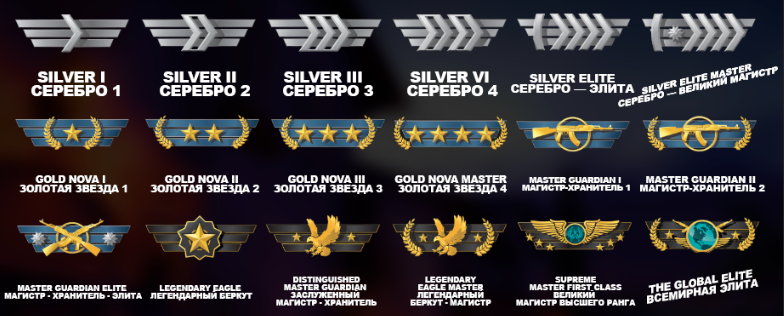
The full list of ranks in CS2 Competitive matchmaking is as follows:
Silver I
Silver II
Silver III
Silver IV
Silver Elite
Silver Elite Master
Gold Nova I
Gold Nova II
Gold Nova III
Gold Nova Master
Master Guardian I
Master Guardian II
Master Guardian Elite
Distinguished Master Guardian
Legendary Eagle
Legendary Eagle Master
Supreme Master First Class
Global Elite
Global Elite is the highest rank in CS2 Competitive mode.
Separate Rank for Each Map
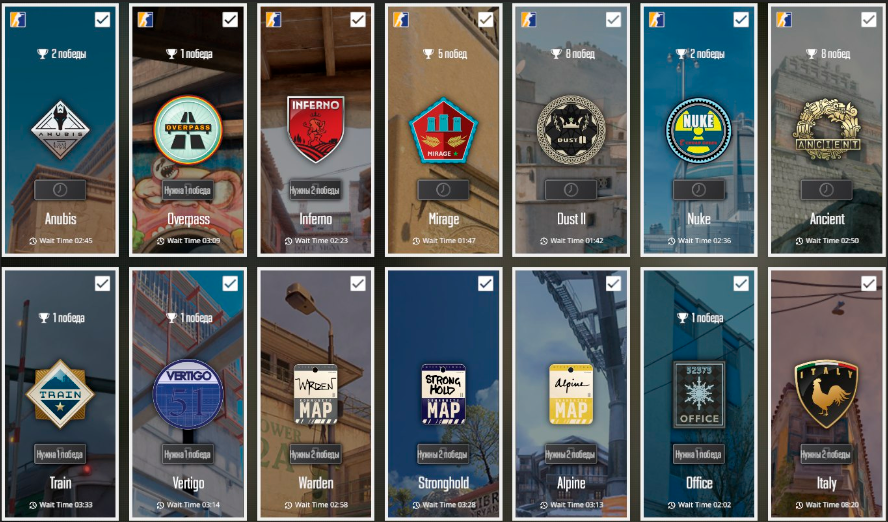
The main feature of CS2 matchmaking is that each map has its own individual rank and separate calibration.
For example, a player can be:
Gold Nova on Mirage;
Master Guardian on Inferno;
Silver on Nuke.
This is completely normal. This approach allows the system to more accurately assess real map knowledge: timings, utility usage, positions, and rotations — not just raw aiming skill.
Rank Calibration and Placement
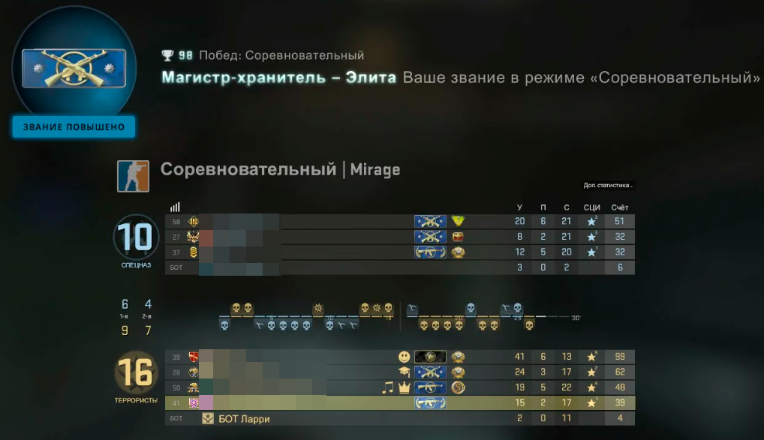
To receive a starting rank on a specific map, you must win 10 matches on that map. After completing calibration, the system assigns a rank.
The final rank is influenced by:
the number of losses during calibration;
the player’s personal performance;
final match scores;
the ranks of opponents and teammates.
The more consistently you play and the stronger your opponents are, the higher your final rank after calibration.
Do Competitive Ranks Reset in CS2?
Yes, Competitive ranks can reset if a player does not log in for a long time or does not play on maps where calibration was previously completed. In this case, the rank must be confirmed again.
Rank and Rating in Premier Mode
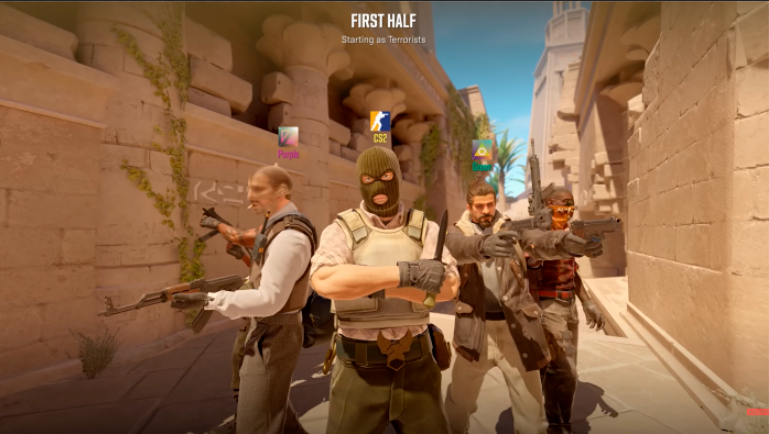
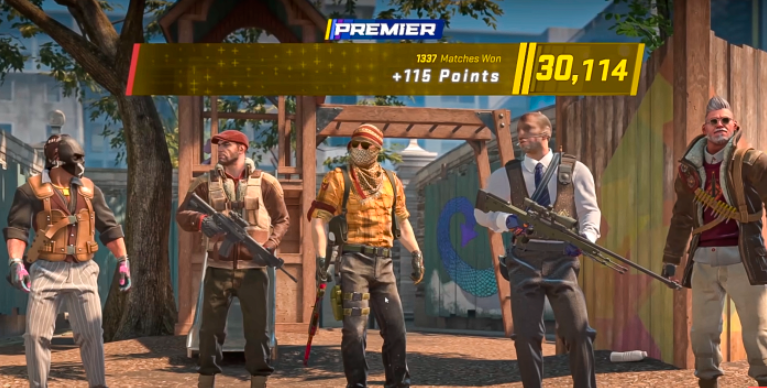
Premier mode is the main competitive format of CS2 and a direct successor to CS:GO’s ranking system, but with significant changes to how rank is calculated.
How Premier Ranking and Rating Work
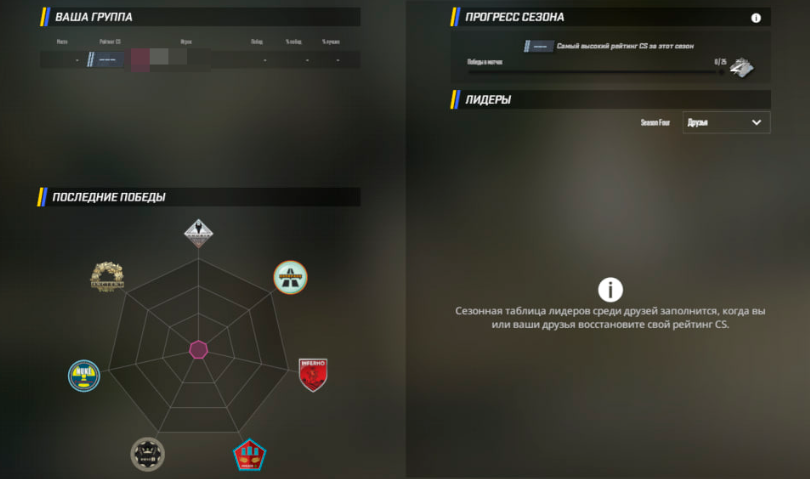
Premier uses a numerical rating system similar to FACEIT and Dota 2. Not only wins and losses matter here, but also the rating difference between teams.
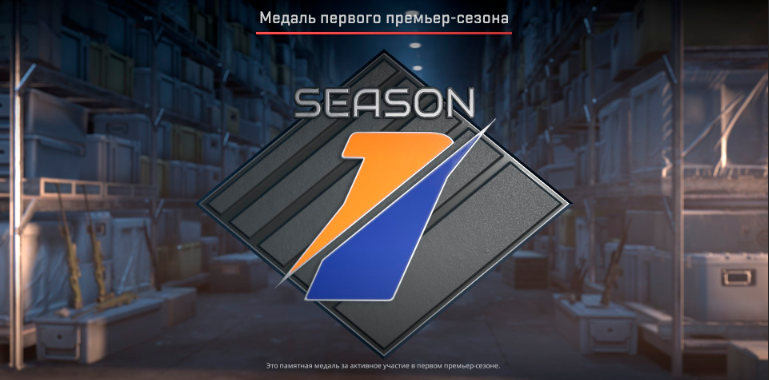
Premier operates in seasons. Several seasons have already taken place in CS2, and at the end of each season, ratings are reset. Players receive seasonal commemorative medals only if they completed calibration and obtained a rating.
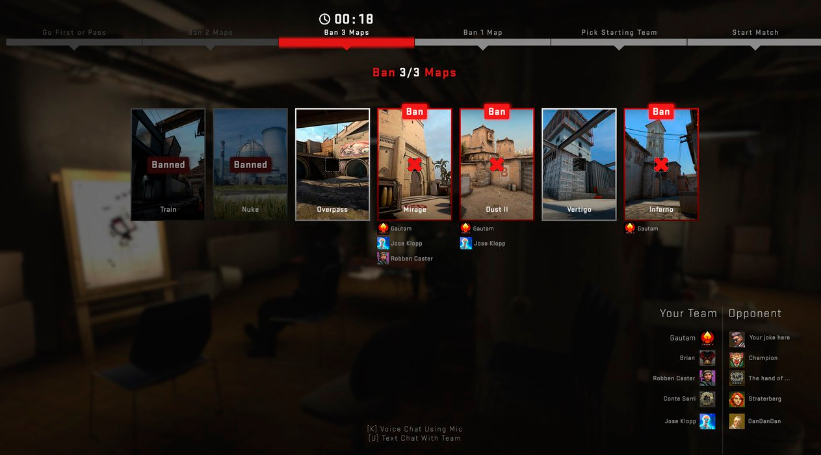
Map Selection Before a Match
Before a match starts, teams vote for the map. Voting happens in turns, and the map is chosen by majority.
Important things to note:
individual maps cannot be disabled;
there are no map bans;
the match is played on the selected map regardless of personal preferences.
Additionally, one of the teams can choose the starting side — Terrorist or Counter-Terrorist.
Premier Rating Calibration
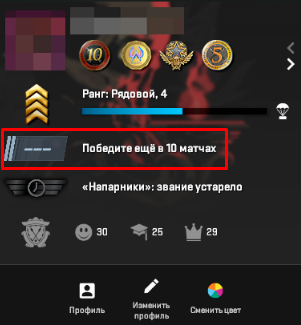
To receive a starting Premier rating, a player must win 10 matches in this mode. After that, a certain number of rating points is assigned.
Premier Rating Colors and Tiers
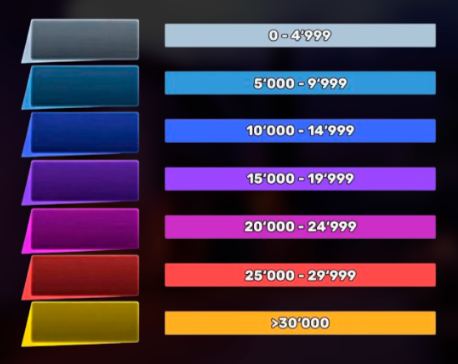
Premier rating is displayed as a number with a colored badge:
Gray — 0–4,999
Light Blue — 5,000–9,999
Blue — 10,000–14,999
Purple — 15,000–19,999
Pink — 20,000–24,999
Red — 25,000–29,999
Gold — 30,000 and above
The higher the rating, the more serious the opponents you will face.
What Affects Rating Gain in Premier
The point system works as follows:
wins increase your rating;
losses decrease it.
The number of points gained or lost directly depends on your opponents’ ratings:
defeating stronger teams grants more points;
losing to stronger opponents is punished less;
losing to weaker teams can result in a significant rating drop.
This is why players often wonder why their rank does not increase even with consistent performance.
Does Premier Rating Reset?
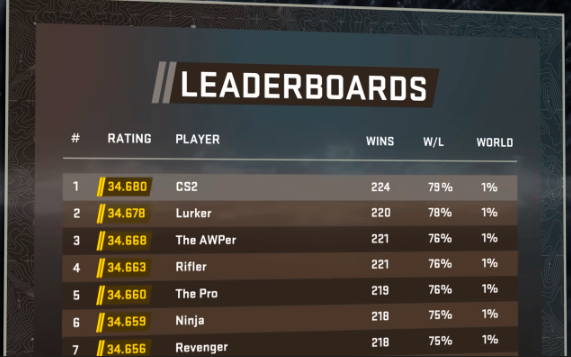
Premier rating can reset in two cases:
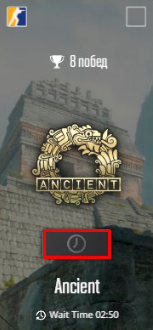
if the player does not play Premier matches for more than a week;
when the current Premier season ends.
Experience Ranks in CS2
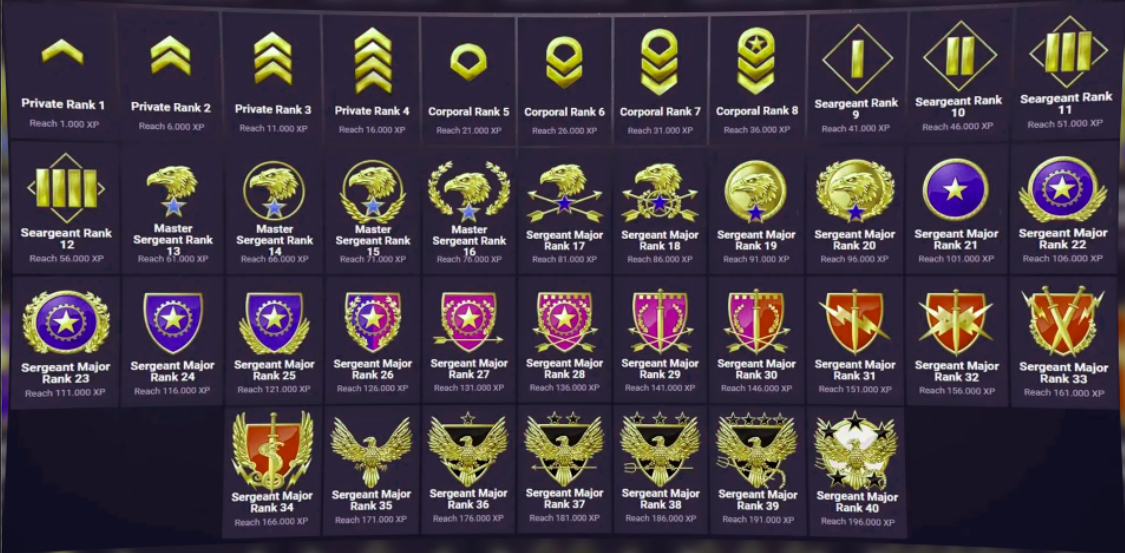
In addition to Competitive ranks and Premier rating, CS2 features a separate experience-based ranking system that reflects overall player activity on official Valve servers.
How Experience Ranks Increase
Each new experience rank is awarded after earning 5,000 XP. XP is gained by playing all official CS2 modes:
Competitive matchmaking;
Premier;
Deathmatch;
Wingman and other modes.
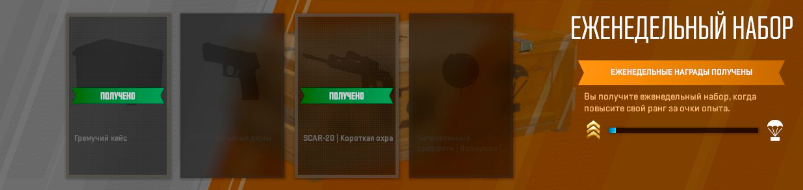
A weekly XP bonus is refreshed regularly, allowing faster rank progression and better rewards.
Rewards for Experience Ranks
Each time a player ranks up through XP, they are offered a reward:
a case;
weapon skins from collections;
graffiti.
Service Medals in CS2
The main goal of the experience rank system is earning Service Medals. These are displayed in the in-game mini-profile, on the Steam profile, and in the player’s inventory.
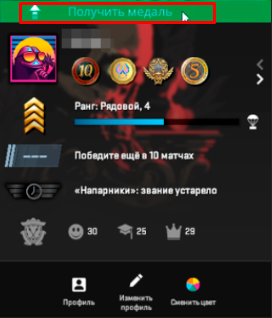
How to Get a Service Medal
To obtain a Service Medal, you must:
Reach experience rank level 40 (“Marshal”);
Click the “Get Service Medal” button in the mini-profile.
After receiving the medal, the experience rank resets, and the player can start leveling again to improve the medal’s color and level.
We have previously covered in a separate article, 'All Service Medals in CS2 2026,' a detailed overview of the types of service medals in CS2, their levels, colors, and distinctions in 2026.
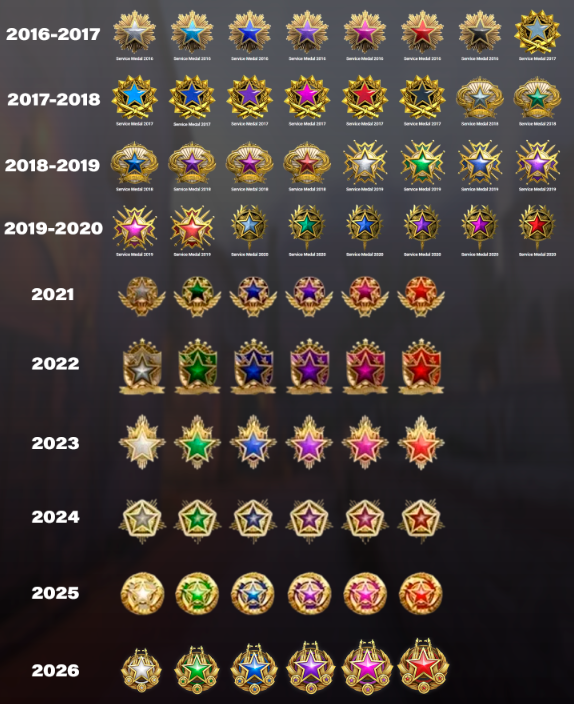
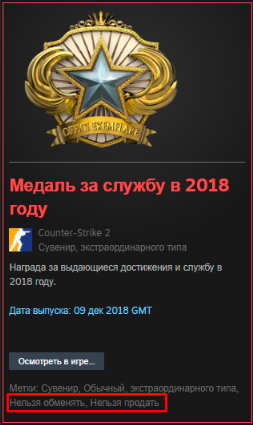
It’s important to understand that Service Medals:
do not affect matchmaking or rating;
provide no gameplay advantages;
serve as indicators of activity, experience, and dedication to the game.
Summary: How CS2 Ranks Work
In CS2, the ranking system has become much deeper and more flexible.
Competitive mode reflects a player’s skill on specific maps, Premier shows overall rating and consistency, and experience ranks reward active play.
Thanks to this, every player can progress in multiple directions at once, and progression in CS2 feels constant — regardless of playstyle or chosen mode.
Leave a comment
Top Sites

CSFAIL
Opening a free case

Upgrader
CS2 Skin Upgrade

Donatov
Promo code for top-up

Lis-skins
To sell skins profitably

GGDROP
Promocode for bonus wheel

AvanMarket
Profitable to sell skins

MyCSGO
Deposit Promo Code

Moonmarket
Selling skins profitably

GalaxyLink
Discount promo code
User comments: